Set Yarn up the way you like it, and connect the apps you already use.
The Agent can’t change settings, but each one takes a click.
Click Settings in the left sidebar.

Preferences

Recorder window sizes

Under Workspace settings → Custom window sizes, click Add Size, then type a name and a size like 1440x897. It shows up under Resize active window in the recorder.

Integrations

Click the button next to an app to connect it.
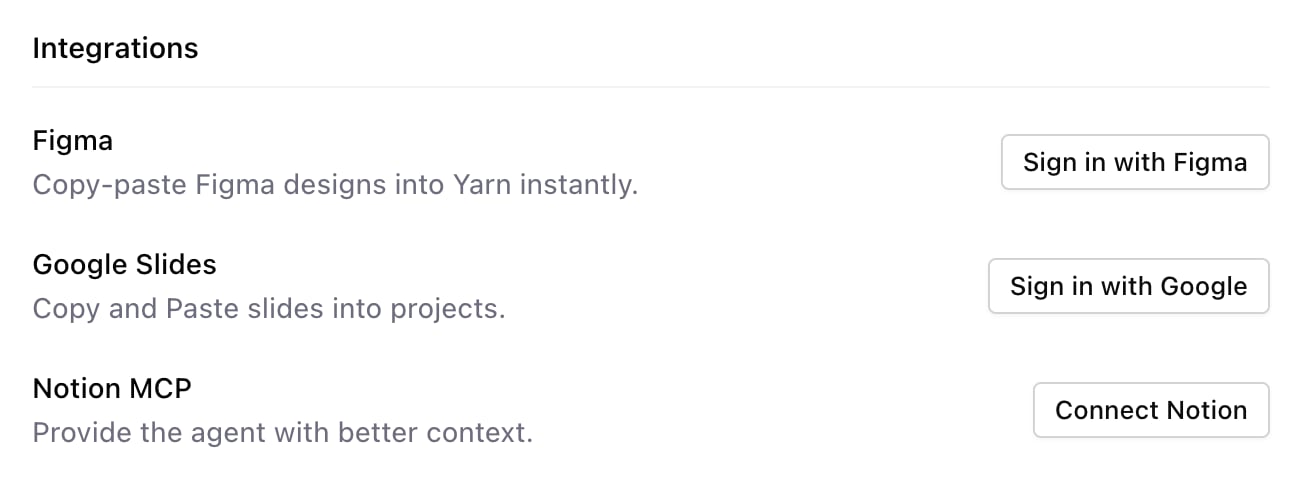
The Integrations section of Settings with Figma, Google Slides and Notion MCP, each with a button to connect it
To disconnect one, hold Option so Connected changes to Disconnect, then click it. To use Yarn from Claude or ChatGPT, see Use Yarn from Claude.

Your profile

Your photo is at the top left of Settings. Click it to change it, or right-click it and choose Remove image. Sign out is at the bottom left. Looking for your plan? See Plan and credits. Related: Team and workspace · Keyboard shortcuts