

The Agent reads your Context, but it can’t change it. You’ll add playbooks yourself.
Open Context
Click Context in the left sidebar. It shows up once you’ve built your Brand Kit during setup.What Yarn knows about your product
The Product tab has cards about your product, pitch, voice and customers. Click a card to read it. These are read-only. Want the Agent to read your Notion docs too? Connect Notion in Settings.Playbooks
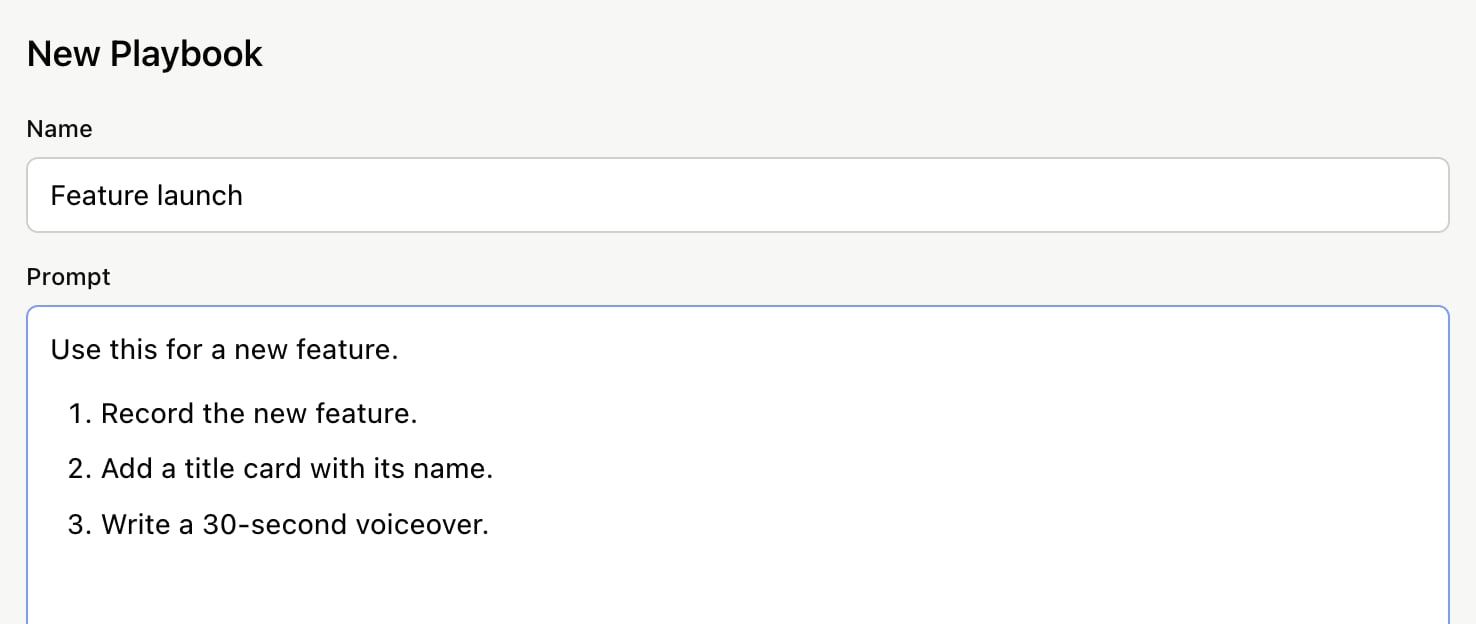
A playbook is a recipe for a kind of video your team makes often, like a feature launch or a how-to. The Agent offers your playbooks when you start a new project, then walks you through the steps.- Open the Playbooks tab and click New Playbook.
- Give it a Name.
-
In Prompt, say when to use it and list its steps, the way you’d brief a teammate.
- Click Done.