New to Yarn? Start with Set up your workspace. Yarn needs time to learn your product, so start that early. Tell the Agent what you want and what it’s for. It handles the rest, and you can keep talking until it’s right.

1. Start a project

Click New draft in the left sidebar, or press ⌘N. The Agent suggests a few kinds of video, including your team’s playbooks. Pick one, or describe your own.
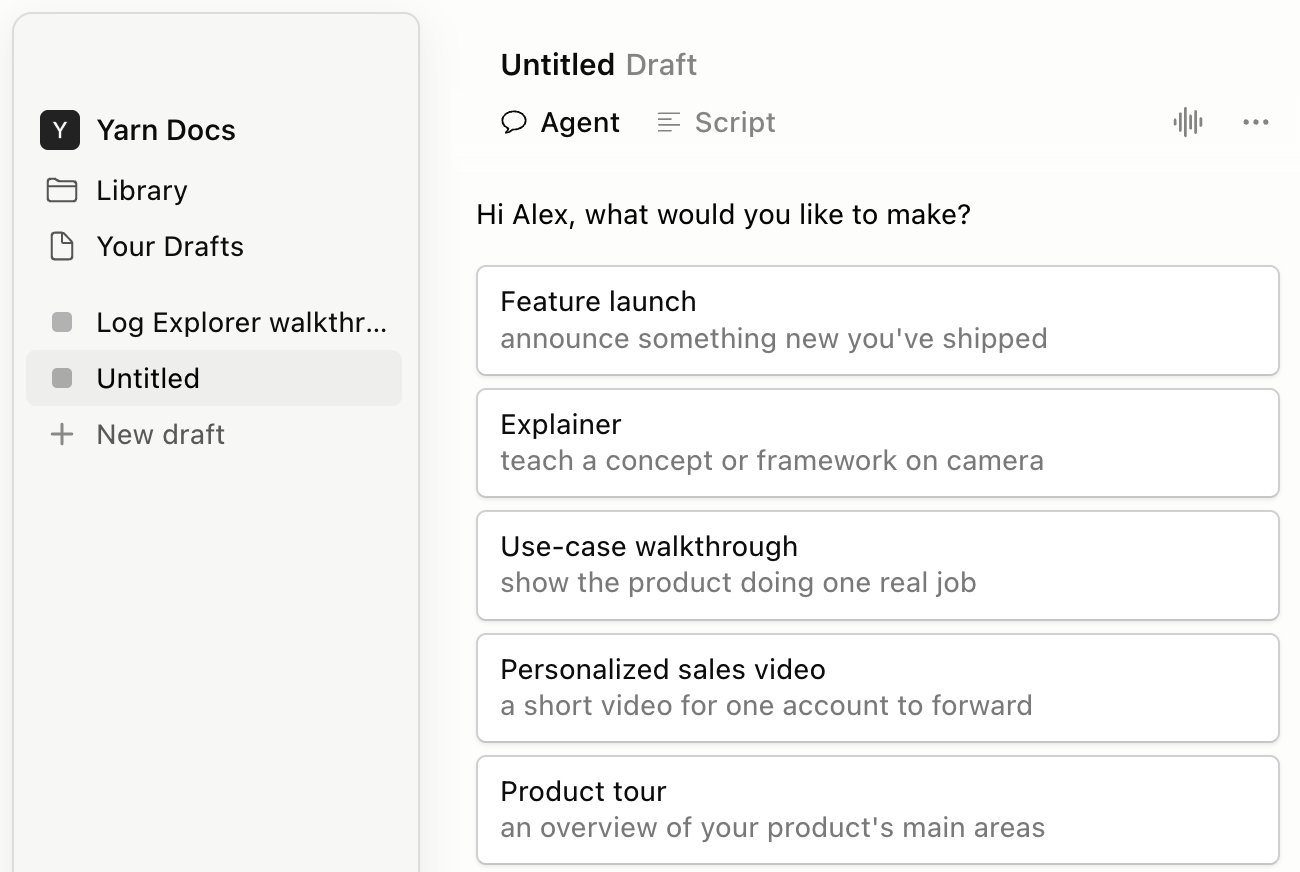
A new draft, with the Agent asking what you'd like to make and suggestions like Feature launch and Product tour

2. Say what you want

It already knows your product and brand, so a sentence or two is plenty:
  • “Make a launch video for our new Reports page. It’s for LinkedIn.”
  • “I need a help-center video on how to approve a timesheet.”
If it needs more, it asks. Click an answer or type your own.
Paste in a script or notes, or attach a recording with +, if you have one.

3. Add your product

Once Yarn has access to your product, the Agent makes the demo as part of your video. You can also ask for one, like “Show how to create a report”, or click Add Demo (D) and pick Product Animation (see Let the Agent make your demo). Rather record it yourself? Ask the Agent to “Record my screen,” or pick Manual Recording (see Record your screen).

4. Refine it

Watch it through, and keep talking to the Agent until you like it: “Make it shorter.” “Open with the problem.” To fix one moment, press C or click New Agent Comment there, like “@Agent hold this callout a bit longer”. See Review with comments.

5. Share it, then make the next one

Click Export to download it, publish a link, or ask the Agent to “Export this video.” For the next video, start a new draft and point at this one: “Make another one like Reports launch, for our Billing page, with the same intro and end cards.” Related: Working with the Agent · The editor at a glance