Give Yarn access to your product
In your product, invite agent@yarn.so to a demo account with sample data. Yarn emails you when it starts learning your product, and again when it’s done. Then the Agent can make demos of it. See Let the Agent make your demo.Make your own voice
Upload a minute or two of you talking to make a persona, so voiceovers sound like you. See Make a persona.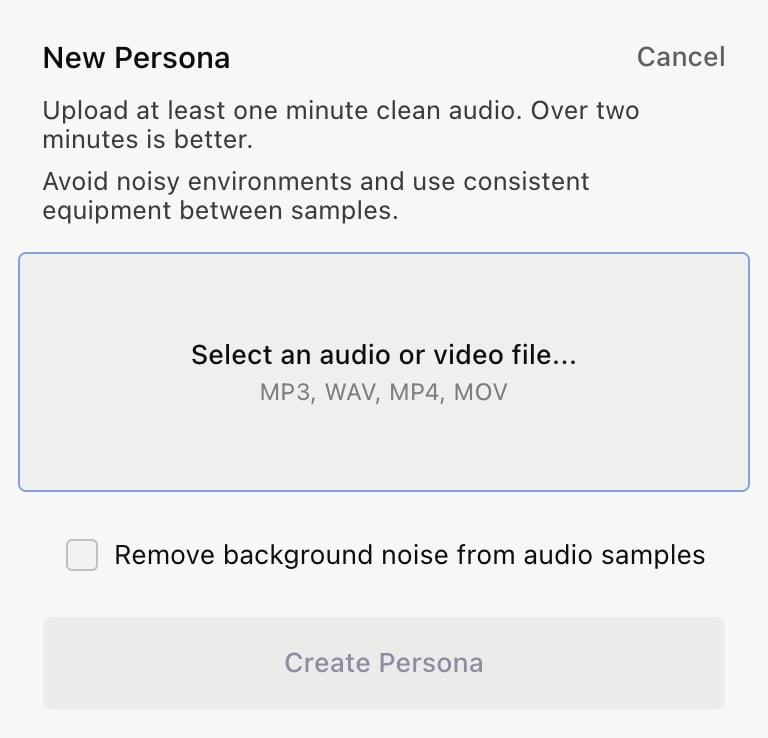
Check your Brand Kit
Click Brand Kit in the left sidebar to check the colors, fonts and templates the Agent uses. See Brand Kit.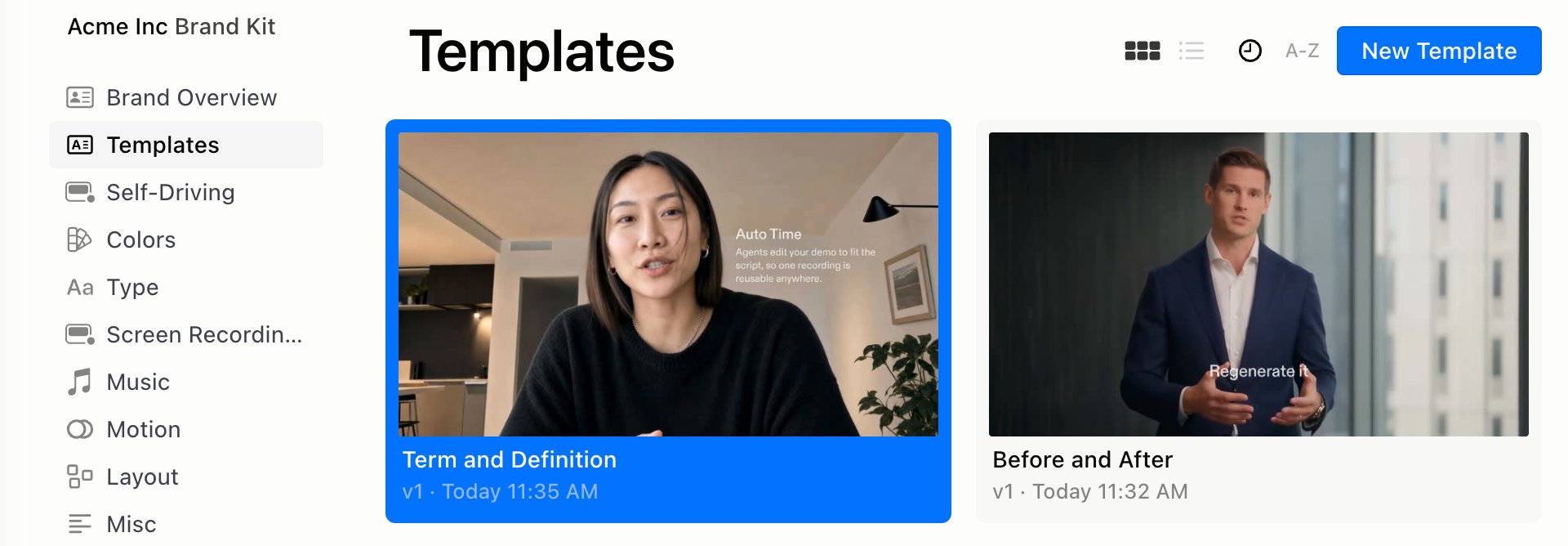
Connect Claude and Notion
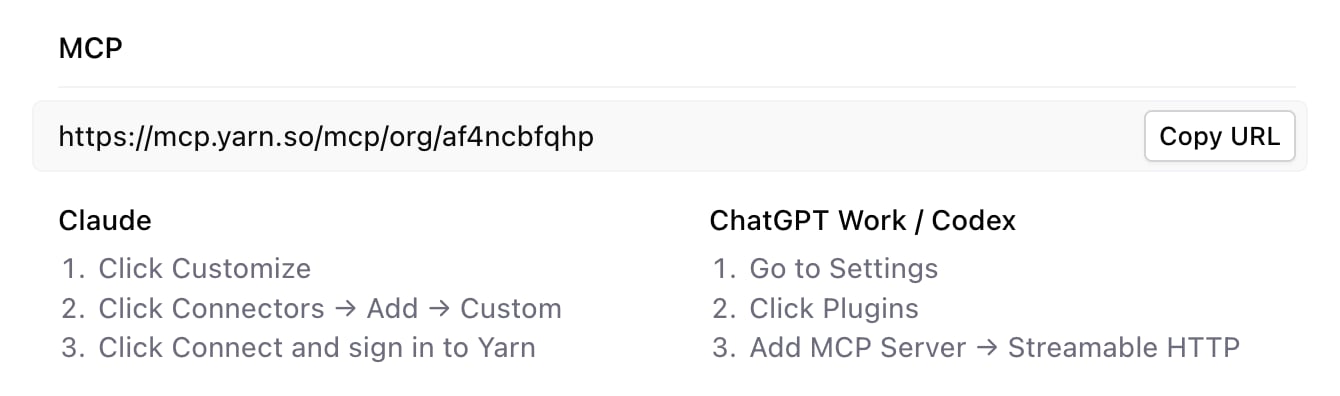
- To use Yarn from Claude, click Settings in the left sidebar, then Copy URL under MCP. See Use Yarn from Claude.
- To give the Agent your Notion docs, click Connect Notion in Settings. See Settings and integrations.