

Do it yourself
Choose a voice
- Click the voice button (Select voice) next to the panel tabs.
- Pick a voice from the English, World or Creative tab. Your team’s personas sit at the top.
- To change the pace, click the speed button at the bottom of the picker, then choose a speed under Adjust talking speed, from Slowest to Faster.
Make a persona
A persona is your own cloned voice.-
In the voice picker, click New Persona.
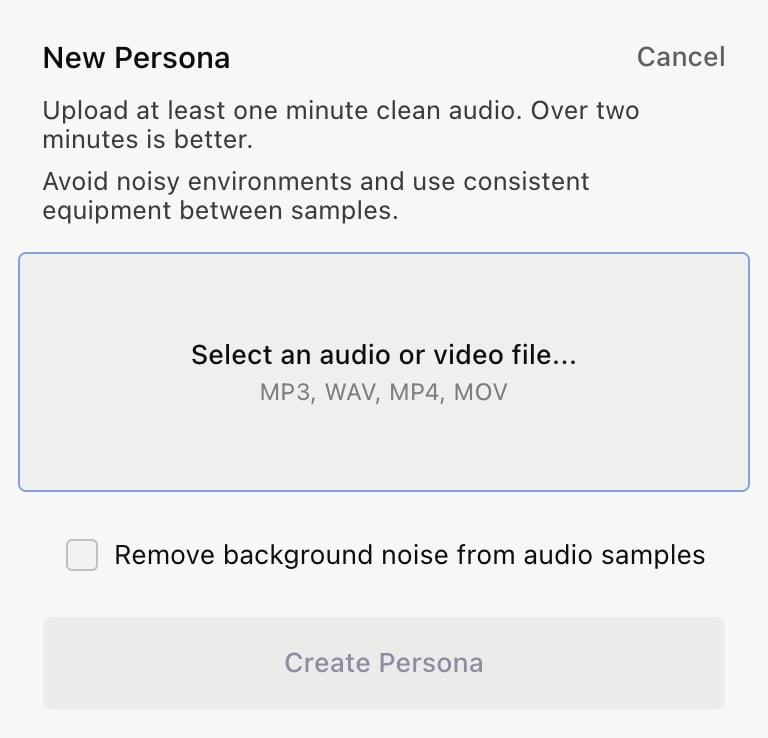
- Upload at least a minute of clean audio, then give the persona a name.
- Select Remove background noise from audio samples if you need it, then click Create Persona.
Swap camera audio for a voiceover
- For one camera clip, open its Camera block’s ⋯ menu in the Script tab and choose Convert to voiceover.
- For every camera clip at once, choose Convert camera clips to voiceover from the ⋯ menu next to the panel tabs.