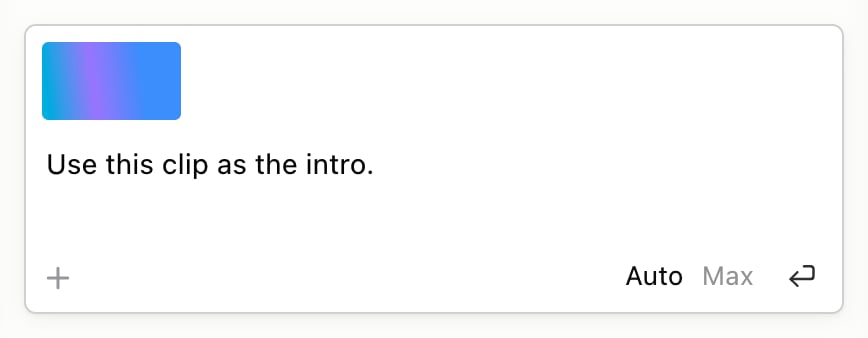
Already have footage? Bring it straight into your video. Ask the Agent: Drag a video onto the Agent box, or click + to attach it, and say what to do with it: “Use this clip as the intro.” Or paste a YouTube link: “Add this video at the start of scene 2.”
The Agent box with a video attached and an ask typed under it, and the + button at the bottom left

Do it yourself

From your computer

  1. Click Add Image or Video, or press I.
  2. Pick something you’ve used recently, or upload a new .mp4, .webm or .mov file.
If someone is talking to camera, Yarn imports it as a camera clip and their words appear in the Script tab. Anything else becomes a video clip.

From your Library

Click Library at the right of the insert bar to open Add from Library.
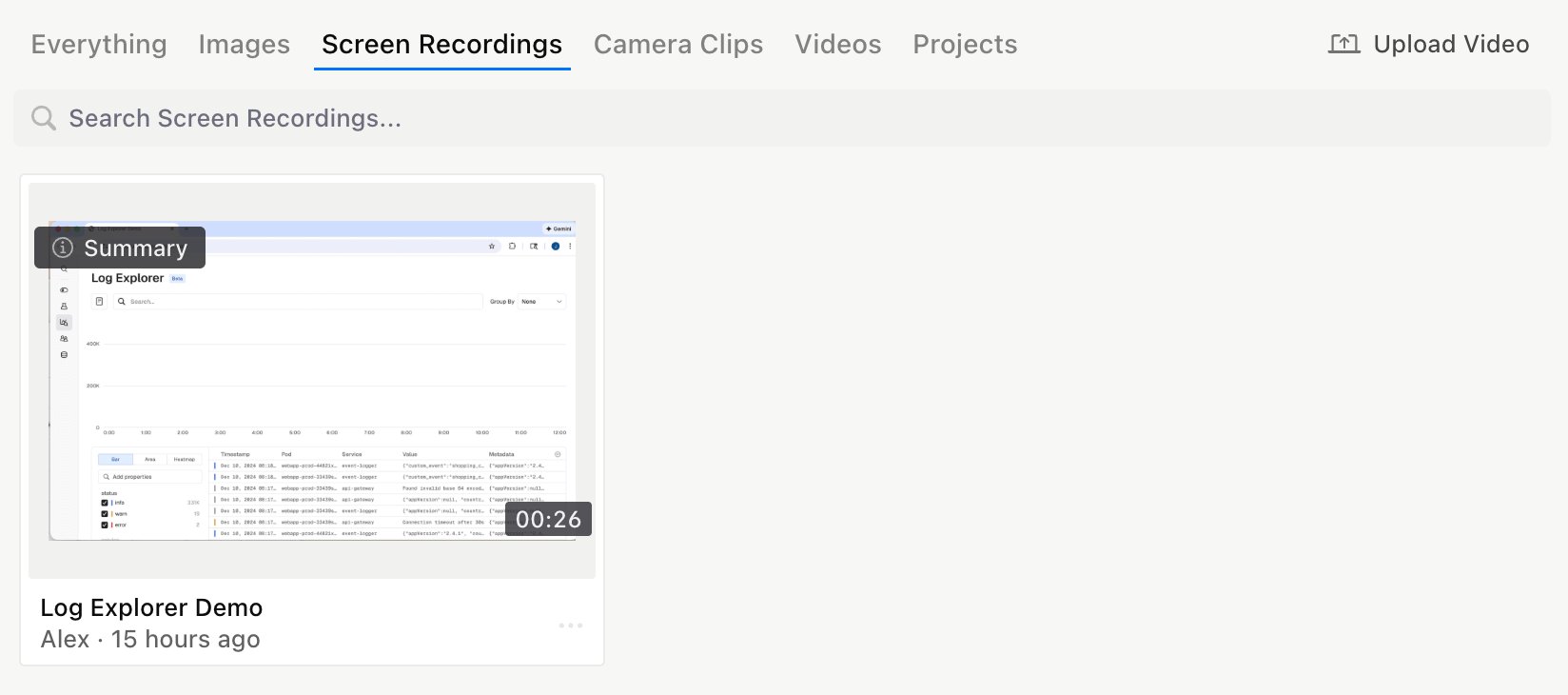
Add from Library open on the Screen Recordings tab, with a search box, a screen recording and Upload Video

From YouTube

Copy a YouTube link and paste it anywhere in the editor outside a text box. A placeholder appears at the playhead and fills in once the video arrives.

Adjust a video clip

Select a video clip to see its controls in the top bar.
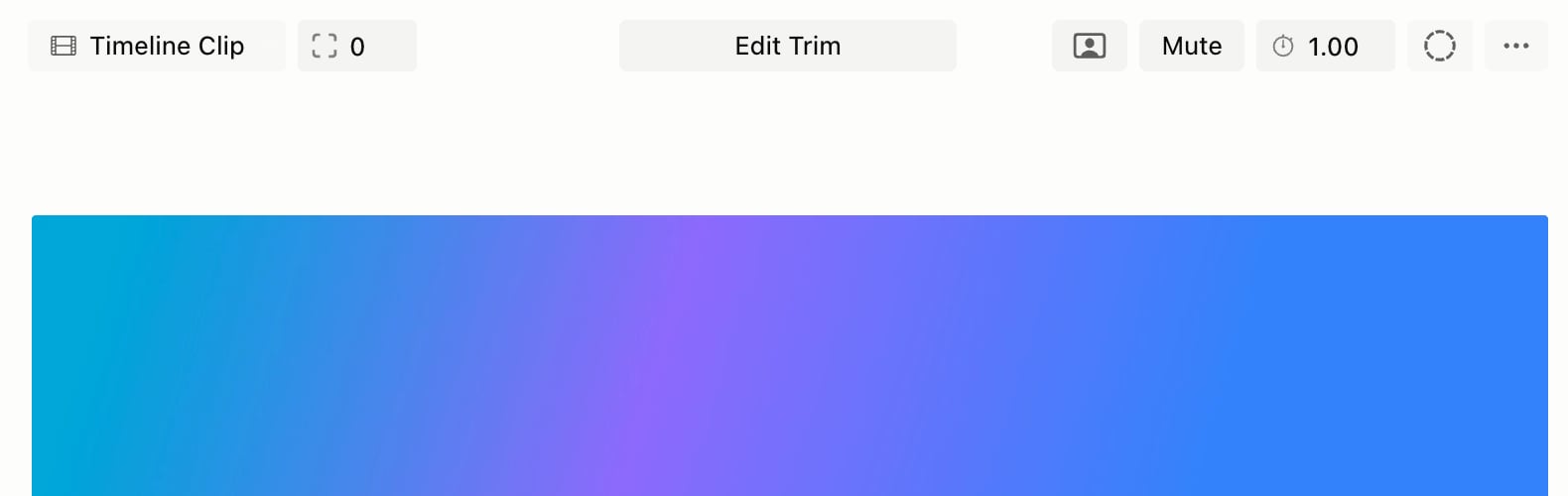
A video clip selected, with its controls in the top bar above it: Timeline Clip, Corner Rounding, Edit Trim, Convert to Camera, Mute, Playback Rate and Animations
If you export while a video is still uploading, it won’t be in that export. Export again once it finishes.
Related: Camera clips and layouts · Library and projects