

Do it yourself
Camera clips come from recording in Camera and Display or Camera only mode, from Record Talk Track, or from an imported video of you talking.Adjust the footage
Click the camera clip in the bottom track of the timeline to see its controls in the top bar.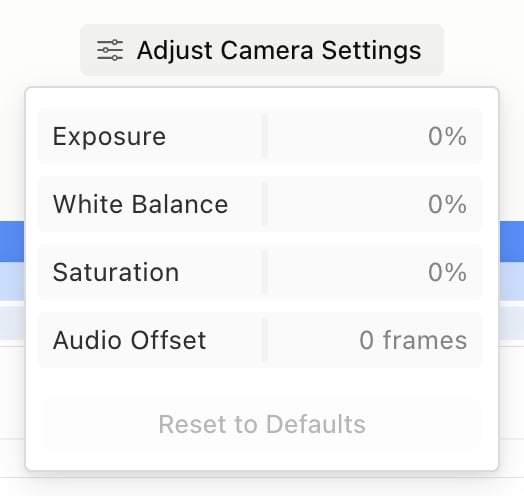
Picking a voice in the voice picker re-voices the camera clips already in your project. To keep a clip’s original audio, right-click it and choose Use original audio.
Place the camera
Drag the camera where you want it on the canvas. Drag its corner handle to resize it.Change the layout over time
You can change the camera’s shape or position partway through your video.- Pause the video and select the camera clip. Layout buttons appear on the timeline.
- Click a button and pick a Camera Shape and Camera Position, or Hidden to hide the camera.
- To switch partway through, click Add layout switch in the same menu, then pick a layout on the new button. Drag the handle between the buttons to change when it switches. Remove layout switch undoes it.