Captions help people follow along with the sound off.
The Agent can’t add or style captions yet, but turning them on takes one click.

Turn them on

Click the captions button (Turn on Captions) at the top right of the editor. Your captions appear on the canvas.

The buttons at the top right of the editor, with the captions button second from the left
To hide them, click the same button again (Turn off Captions). Captions are part of your video, so they show in your export and your published link. Need a separate subtitle file instead? Download an SRT.

Style them

Click the captions on the canvas to see their controls in the top bar. To move or resize them, drag the box or its edges.
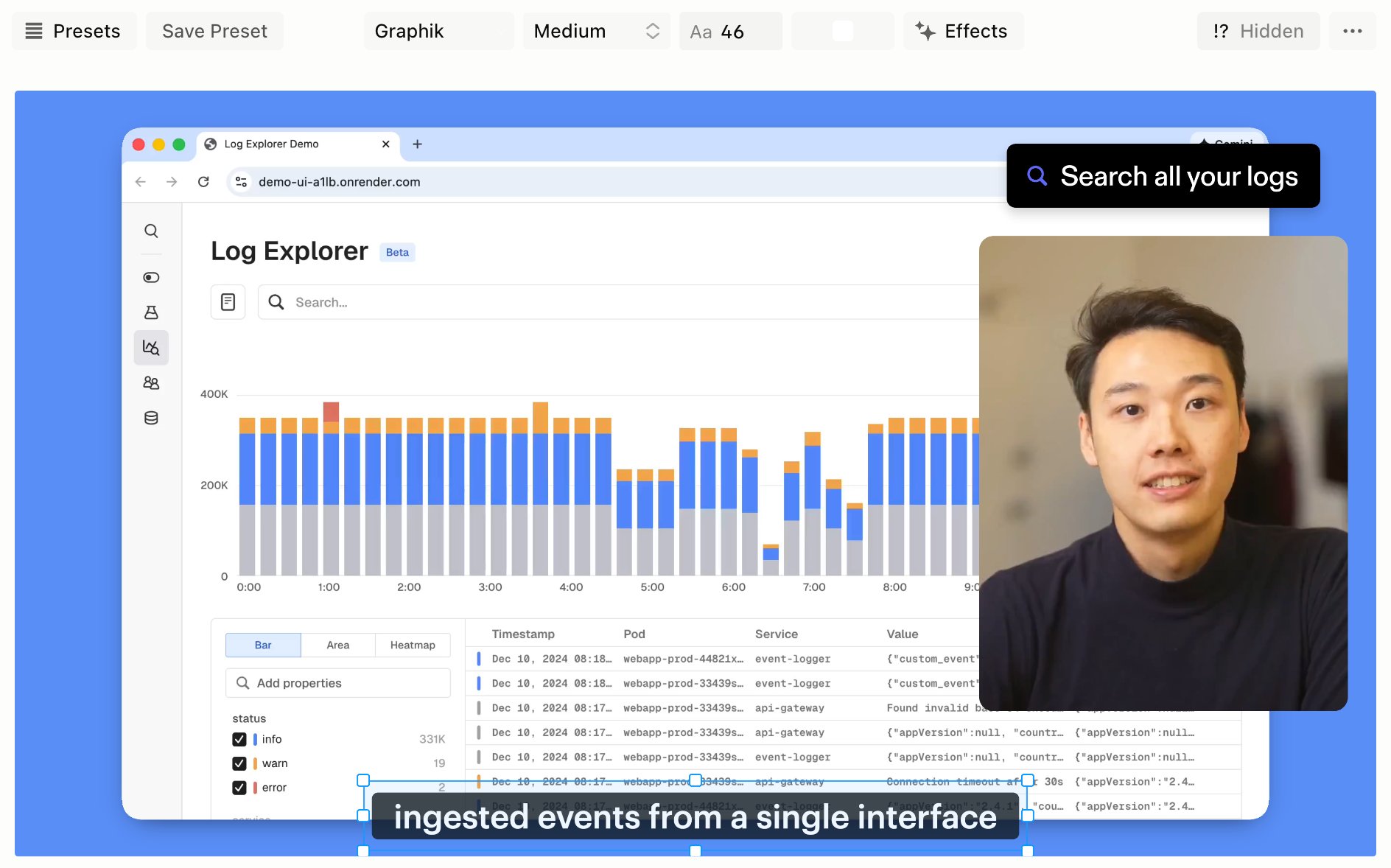
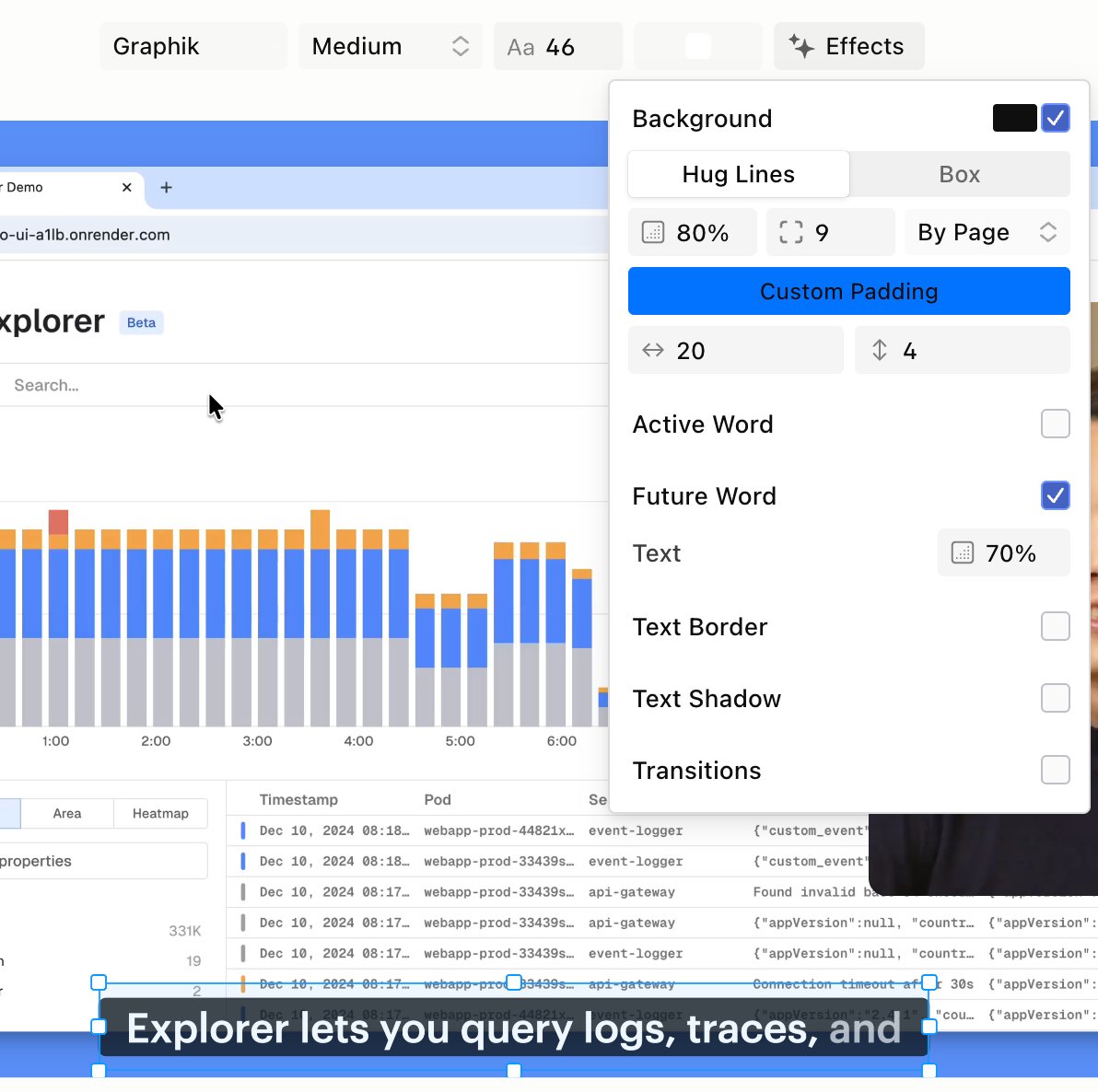
Captions selected, with their controls in the top bar
The caption Effects panel open beside the captions on the canvas

Download an SRT file

Open the ⋯ menu next to the panel tabs and choose Download SRT…. You get a subtitle file named after your project. Related: Edit with the Script · Export a video file · Publish a link